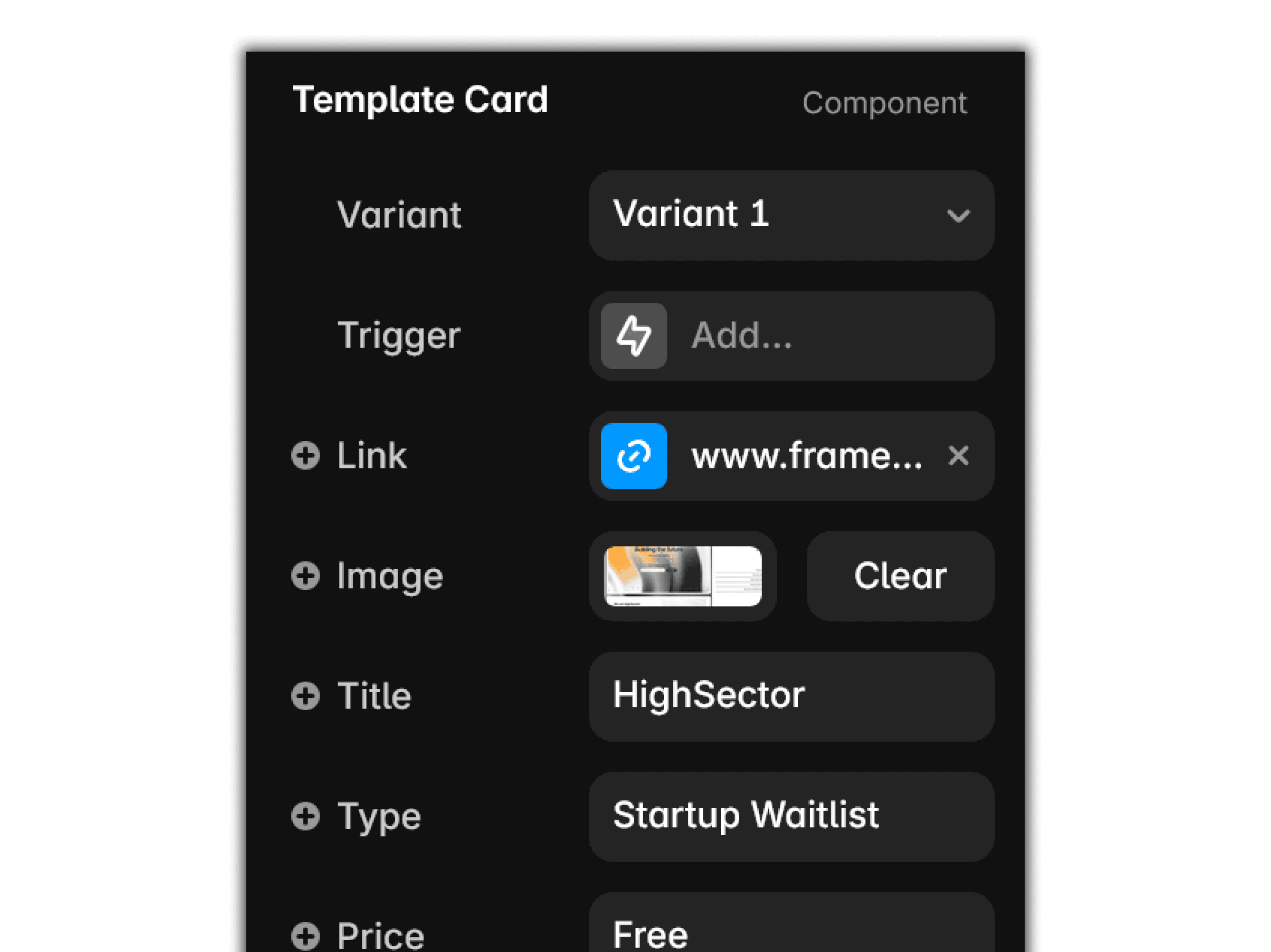
All templates are complete with a clean, modular architecture. You don’t need to write a single line of code to make them your own.For any technical inquiries, support requests, or questions regarding templates, please contact:
Select any template that fits your needs and business. Regardless of your niche, every template is engineered to adapt and scale across a variety of markets.
Add your content
Update the entire look and feel in seconds. Change colors, typography, and all content to perfectly fit your brand. Just click the element you want to customize, and all editable content will instantly appear in the right-side properties panel.
Publish
Publish
Ready to launch! Once your content is ready, the site can be published instantly—just hit the button and it's online.
Note: To connect a custom domain, you will need to review Framer's pricing plans and choose the tier that best fits your website's expected traffic and usage.